
CuelyAI
The easiest way to use AI at work
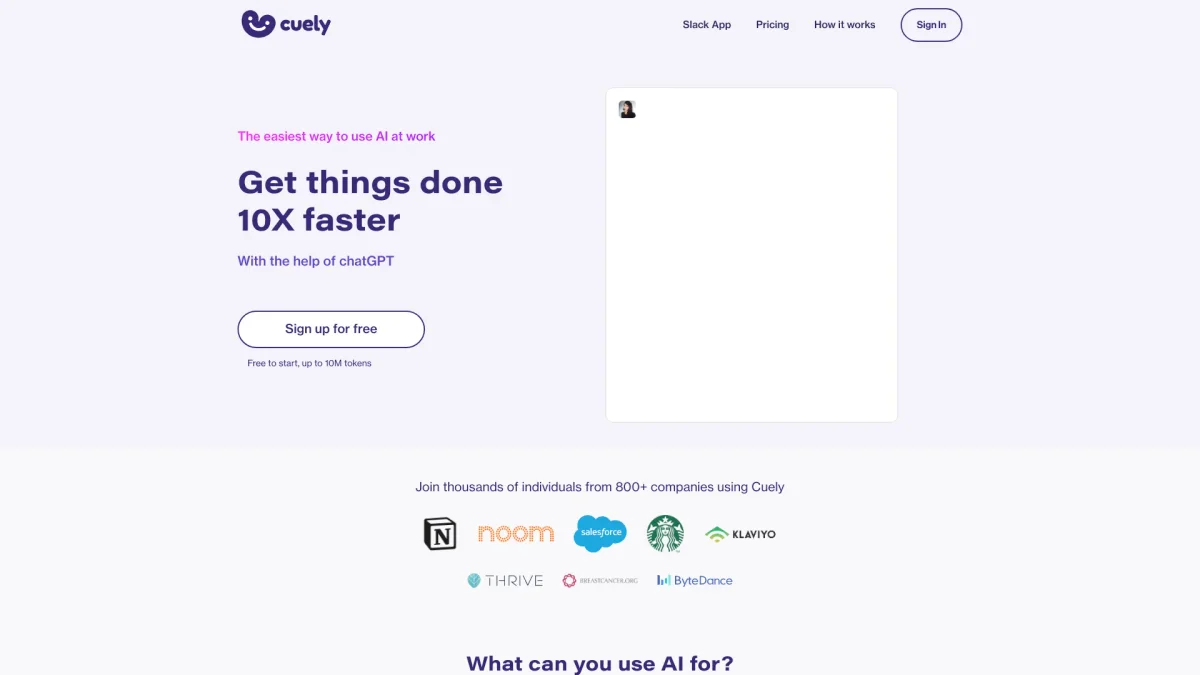
Boost productivity and efficiency in your workplace with CuelyAI, leveraging chatGPT to simplify tasks and enhance communication within Slack.
What is CuelyAI?
CuelyAI is a powerful AI integration for Slack designed to streamline workplace tasks, enhance communication, and significantly boost productivity. By leveraging chatGPT technology, it addresses common challenges in workplace communication and task management, allowing users to accomplish their work 10 times faster. The tool is intuitive and easy to use, making it accessible for any team looking to enhance their efficiency without needing extensive training. With CuelyAI, users can draft messages, summarize information, and get instant advice on various workplace scenarios. The tool provides features such as grammar checks, tone adjustments, and the ability to generate comprehensive replies, making it invaluable for streamlining communication and workflows. It's ideal for teams seeking to improve their productivity and communication, ultimately leading to a more efficient work environment.
Key Features
- Draft replies and messages effortlessly
- Summarize long texts into key points
- Grammar and tone checking capabilities
- Direct messaging support within Slack
- Use of chatGPT for intelligent responses
- Expand key points into full paragraphs
- Supports language translation
Who is it for?
- Remote teams and organizations
- Customer support departments
- Marketing and communication teams
- Project managers and coordinators
- HR professionals
Use Cases
1. Drafting Customer Replies
Use CuelyAI to quickly draft empathetic and professional replies to customer inquiries. By simply typing a command, users can generate responses that maintain a friendly tone while addressing customer needs.
2. Team Collaboration Enhancement
Facilitate better communication within teams by using CuelyAI to summarize discussions, generate meeting notes, or suggest follow-up actions based on chat history, ensuring everyone stays informed.
3. Content Creation and Editing
Utilize CuelyAI to expand on key points during content creation. It helps users draft reports or presentations, ensuring that all necessary information is covered in a coherent manner.
4. Language Translation
Break down language barriers by using CuelyAI's translation capabilities. Teams can communicate effectively across different languages, enhancing collaboration with international colleagues.
Pricing Plans
Free: Up to 10M tokens with basic features, Pro: Pricing information not available on website. Please visit the official website for current pricing.
Frequently Asked Questions
1. What features are included in the free plan?
The free plan allows users to utilize up to 10 million tokens, enabling access to basic features for productivity enhancement and task management within Slack.
2. How can I integrate CuelyAI with Slack?
CuelyAI integrates seamlessly with Slack by allowing users to use the /cue command in channels, mention @cuely in group chats, or message Cuely directly for assistance.
3. What types of tasks can CuelyAI assist with?
CuelyAI can assist with a variety of tasks including drafting messages, summarizing texts, checking grammar and tone, generating replies, and providing advice on workplace issues.
4. Is there a limit on the number of tokens I can use?
Yes, the free plan allows for up to 10 million tokens. For additional features and tokens, users may consider upgrading to a paid plan, details of which are available on the website.
CuelyAI Reviews & Ratings
Real user feedback and ratings for CuelyAI. See what the community thinks about this AI tool.
No reviews yet
Be the first to share your experience with CuelyAI