

ColorChanger
Transform your images with AI precision
Effortlessly change hair and clothing colors in photos using our advanced AI color changer for stunning results in seconds.
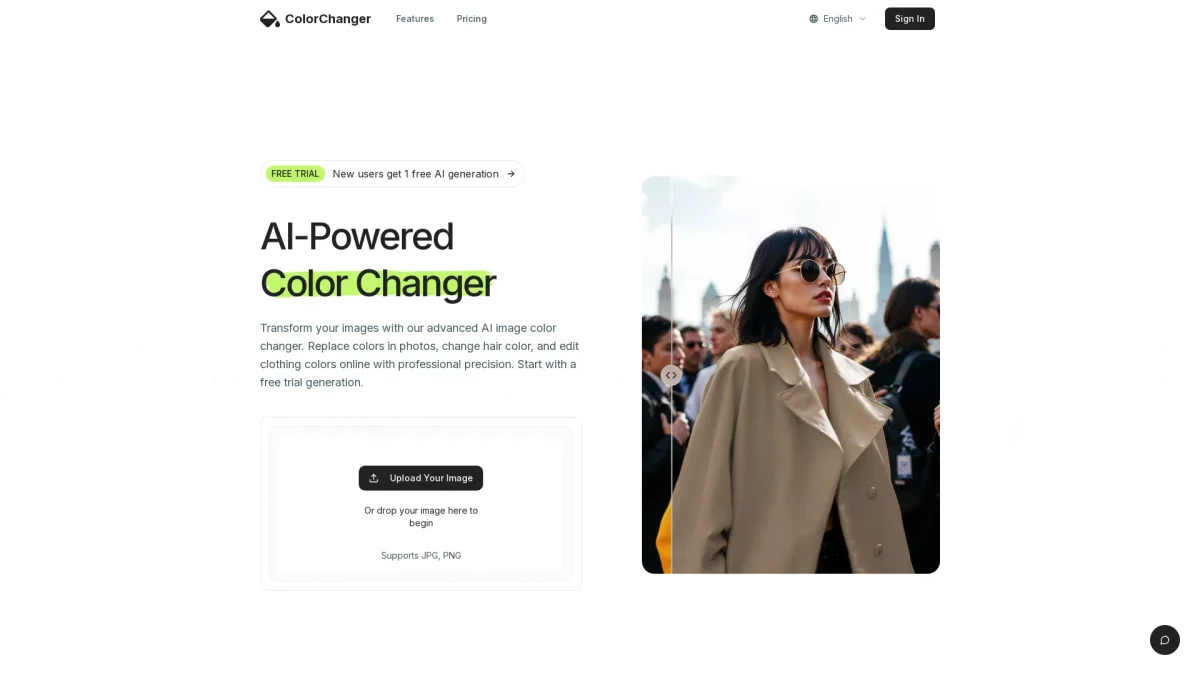
What is ColorChanger?
ColorChanger is an innovative online tool designed to transform images by changing colors of various elements, such as hair and clothing. Utilizing advanced AI technology, it simplifies the process of color replacement in photos. Users can upload their images and select the items they wish to recolor, addressing common challenges in image editing with professional precision. This tool is perfect for e-commerce, fashion, and creative projects. It allows users to achieve high-quality results quickly, making it a valuable resource for anyone needing to enhance visuals for marketing, social media, or personal projects. With a user-friendly interface and efficient processing time, ColorChanger empowers users to create stunning images effortlessly, saving them time and improving their workflow.
Key Features
- AI-powered color detection
- Supports JPG and PNG formats
- Custom color picker option
- High-quality image downloads
- Fast processing time (10-20 seconds)
- Free trial generation for new users
Who is it for?
- E-commerce businesses
- Fashion designers
- Content creators
- Social media managers
- Photographers
Use Cases
1. E-commerce Product Image Editing
Quickly update product photos with different color options to showcase variety. This tool allows e-commerce businesses to present multiple color variations of their products, enhancing customer engagement and increasing sales.
2. Fashion Design Mockups
Fashion designers can use ColorChanger to visualize garments in different colors. By altering clothing shades quickly, designers can present their ideas more effectively during client meetings and promote their collections.
3. Social Media Marketing
Create eye-catching posts by changing colors to match seasonal themes or brand palettes. ColorChanger helps marketers produce tailored content that resonates with their audience, boosting engagement across platforms.
4. Photo Editing for Blogs
Bloggers can enhance their visual content by updating hair and clothing colors in images. This tool allows for quick adjustments that improve the aesthetic appeal of blog posts, making them more attractive to readers.
Pricing Plans
Free: 1 free AI generation for new users, Pro: Pricing information not available on website. Please visit the official website for current pricing.
Frequently Asked Questions
1. How can I try ColorChanger for free?
New users can start with a free trial generation that allows them to experience the color-changing capabilities without any cost. Simply upload an image and explore the features.
2. What types of objects work best for color changing?
ColorChanger performs best with clear, well-lit images featuring high-contrast objects and solid colors. These conditions ensure the most accurate color replacement results.
3. Can I change multiple colors in one image?
Yes, ColorChanger allows users to select multiple recolorable elements in an image. This feature enhances versatility, enabling you to transform various aspects of your image simultaneously.
4. Is it possible to use edited images commercially?
Absolutely! Users can utilize the edited images for commercial purposes, making ColorChanger a great tool for businesses and creative professionals alike.
ColorChanger Reviews & Ratings
Real user feedback and ratings for ColorChanger. See what the community thinks about this AI tool.
No reviews yet
Be the first to share your experience with ColorChanger









