

Clipdrop
Create stunning visuals in seconds with AI
Clipdrop offers powerful AI tools to generate, enhance, and manipulate images quickly, making visual content creation accessible for everyone.
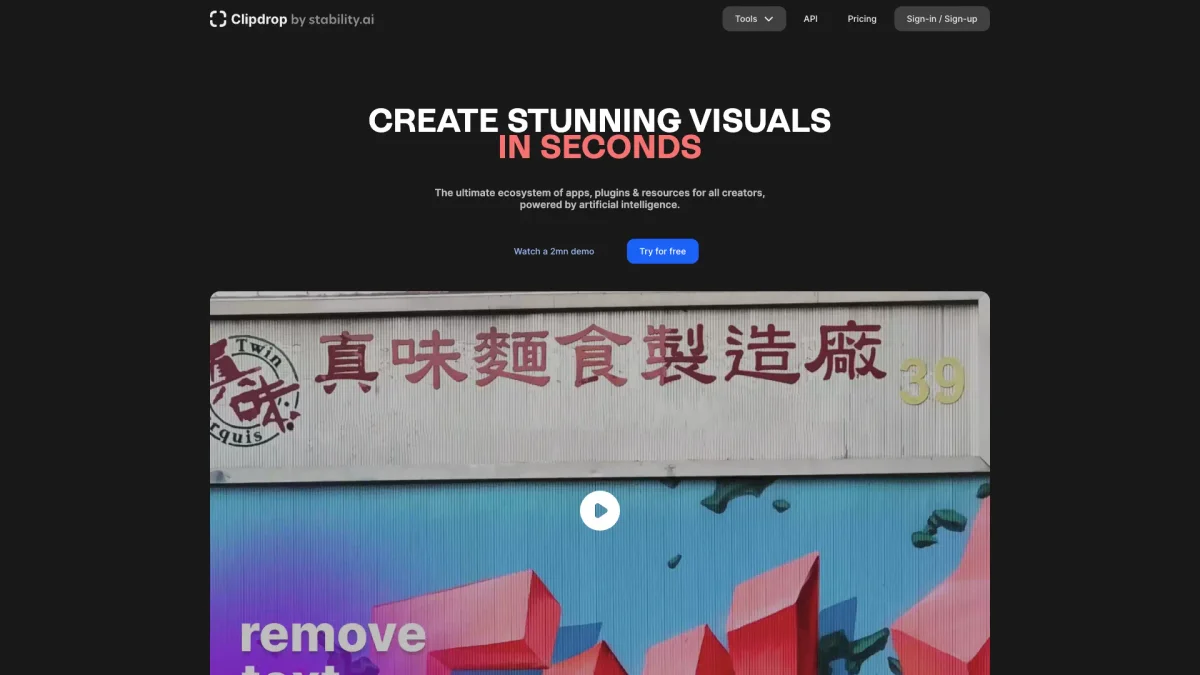
What is Clipdrop?
Clipdrop is an innovative platform that allows users to create, edit, and enhance images using advanced AI technology. Its main purpose is to simplify the visual content creation process, solving the problem of time-consuming and complex image editing tasks. With tools like background removal, image upscaling, and object cleanup, Clipdrop empowers users to achieve professional-quality visuals effortlessly. The key benefits of Clipdrop include its user-friendly interface, speed, and high-quality output. It helps users, whether content creators, marketers, or casual users, save time and achieve stunning results without needing extensive design skills. The platform's range of features, including the API for integration, makes it an ideal choice for anyone looking to enhance their digital presence and visual storytelling capabilities efficiently.
Key Features
- Universal Resizer for social media
- Text to image generation
- Accurate background removal
- Object and text cleanup
- Image upscaling with noise reduction
- Relighting images with beautiful lights
- Integrate with Clipdrop API
Who is it for?
- Content creators and bloggers
- Digital marketing agencies
- Graphic designers
- E-commerce businesses
- Social media managers
Use Cases
1. Social Media Content Creation
Easily create eye-catching visuals for social media posts by using Clipdrop's text-to-image generator and background removal features. This allows you to engage your audience with high-quality graphics tailored to your brand.
2. E-commerce Product Images
Enhance your product images by removing backgrounds and upscaling the quality, ensuring that your listings attract more customers. Clipdrop helps in presenting products in the best light possible.
3. Marketing Campaign Visuals
Utilize Clipdrop to generate and edit images for marketing campaigns. Its tools can create compelling visuals quickly, allowing for more time to focus on strategy and execution.
4. Image Restoration and Cleanup
Clean up old or damaged photos by utilizing Clipdrop's cleanup tool to remove defects, text, or unwanted objects. This feature restores images to their original beauty with minimal effort.
Pricing Plans
Pricing information not available on website. Please visit the official website for current pricing.
Frequently Asked Questions
1. How can I remove the background from an image for free?
To remove the background of a picture, visit clipdrop.co/remove-background, upload your image, and Clipdrop will automatically remove the background, allowing you to download the HD image for free.
2. Can I use images generated by Clipdrop for commercial purposes?
Yes, Clipdrop's terms do not limit your ability to use images generated on the platform for commercial purposes, allowing for flexibility in your projects.
3. What is the Clipdrop API used for?
The Clipdrop API allows developers to integrate best-in-class AI tools into their applications easily, enabling image manipulation and enhancement features within custom software environments.
4. What types of images can I upscale with Clipdrop?
You can upscale any images using Clipdrop's image upscaler tool, which enhances the resolution by 2x or 4x while also removing noise and recovering details automatically.
Clipdrop Reviews & Ratings
Real user feedback and ratings for Clipdrop. See what the community thinks about this AI tool.
No reviews yet
Be the first to share your experience with Clipdrop









