Cardina
Visually guide customers seamlessly and effectively
Cardina enables live screen sharing and collaboration, allowing agents to visually guide customers through processes without any downloads or complex setups.
What is Cardina?
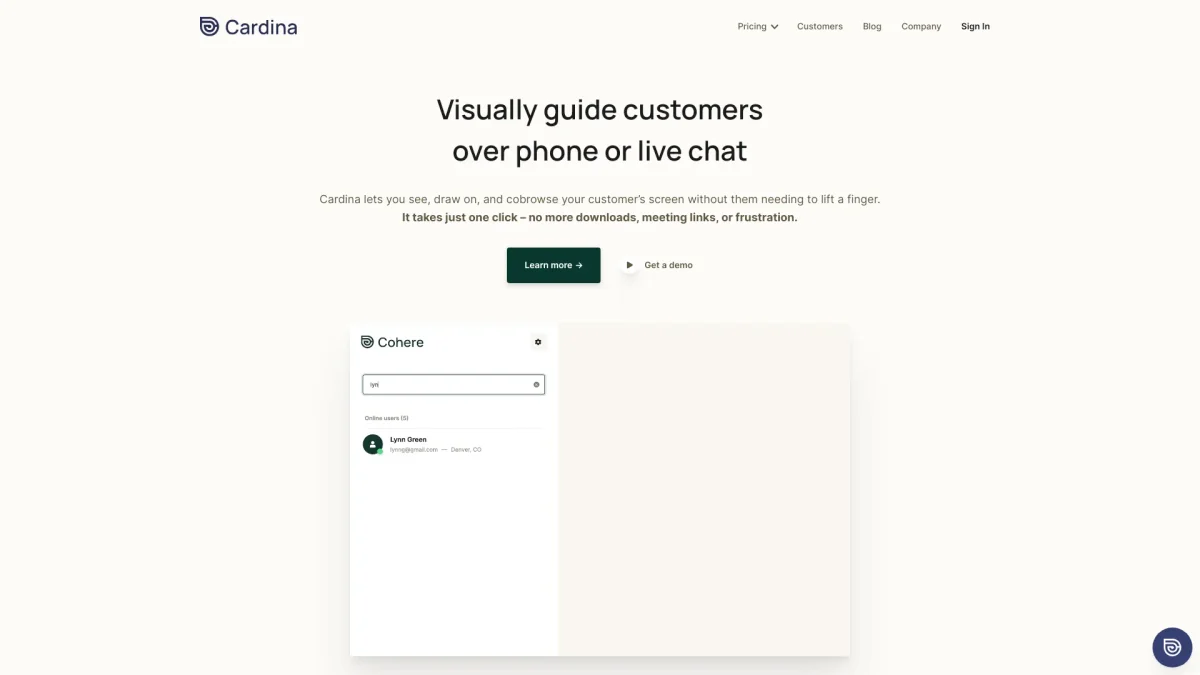
Cardina is an innovative customer support tool that allows agents to visually guide customers over phone or live chat by sharing and drawing on screens. Its main purpose is to enhance customer experience by resolving issues quickly and efficiently, eliminating the need for lengthy descriptions or screenshots. With just one click, agents can see and even take control of a customer's screen, making troubleshooting straightforward and effective. By leveraging Cardina, businesses can boost first-contact resolutions by 47% and resolve customer issues 41% faster. The tool's features, such as session recordings, data protection, and seamless integration with existing tools, empower agents to provide exceptional support while maintaining compliance and security. Cardina's user-friendly interface creates a smoother experience for both agents and customers, improving satisfaction and decreasing abandonment rates significantly.
Key Features
- Real-time screen sharing
- Draw and annotate on screens
- Control customer screens with permission
- Session recording and replay
- Data protection and compliance features
- Integrates with existing tools
- No downloads or meeting links required
Who is it for?
- Customer support teams
- Sales representatives
- Technical support agents
- Operations managers
- Customer success teams
Use Cases
1. Onboarding New Customers
Use Cardina to guide new customers through initial setup processes. Agents can visually demonstrate features and workflows, ensuring that users understand how to navigate the platform effectively and reducing the learning curve.
2. Troubleshooting Technical Issues
Agents can quickly identify and resolve technical problems by viewing the customer's screen in real time. This direct visual approach minimizes misunderstandings and accelerates issue resolution, enhancing customer satisfaction.
3. Sales Demonstrations
Sales teams can leverage Cardina during live demos to showcase product features directly on the customer's screen. This interactive experience helps prospects understand the product better and increases the chances of closing deals.
4. Training and Support
Cardina allows for effective training sessions where agents can share screens to demonstrate processes. This capability helps in teaching customers how to use the software, resulting in better user adoption and satisfaction.
Pricing Plans
Free: Basic features with no credit card needed, Pro: Custom pricing - Advanced features and support options, Enterprise: Custom pricing - Tailored solutions for larger organizations.
Frequently Asked Questions
1. Does Cardina offer a free trial or free plan?
Yes, Cardina provides a free plan that includes basic features with no credit card required, allowing users to experience the tool before upgrading to a paid plan.
2. How does Cardina ensure data security?
Cardina is built with security in mind, complying with regulations like GDPR, CCPA, and HIPAA. It masks sensitive data and allows users to control what agents can see, ensuring privacy.
3. Can agents take control of the customer's screen?
Yes, with the customer's explicit permission, agents can take control of the screen to assist in navigating workflows or resolving issues directly, enhancing the support experience.
4. What types of integrations does Cardina support?
Cardina integrates seamlessly with existing tools across various platforms, enabling a comprehensive view of customer interactions and improving overall support efficiency.
Cardina Reviews & Ratings
Real user feedback and ratings for Cardina. See what the community thinks about this AI tool.
No reviews yet
Be the first to share your experience with Cardina