BrowseGPT
Automate your browsing with AI
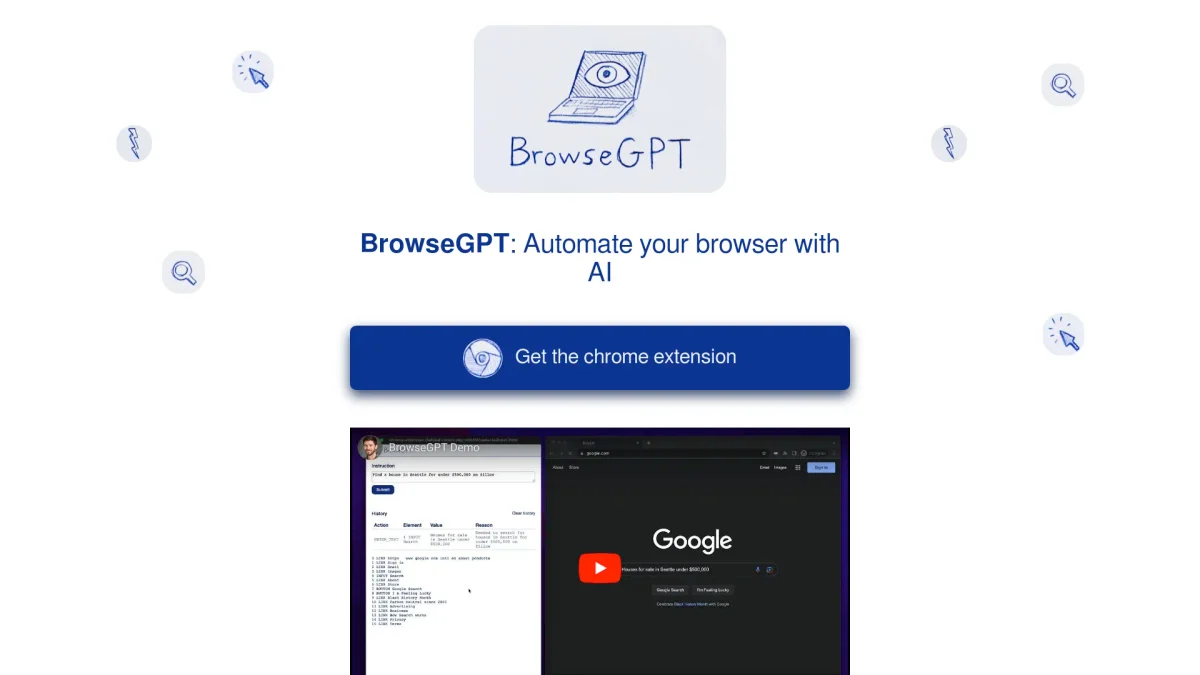
BrowseGPT is a Chrome extension that utilizes AI to automate browser tasks, simplifying web navigation and online purchases for users.
What is BrowseGPT?
BrowseGPT is an AI-driven Chrome extension designed to automate browser tasks by processing web pages and executing commands like CLICK, ENTER_TEXT, and NAVIGATE. Its primary purpose is to assist users in completing online tasks more efficiently, from finding accommodations to making purchases. By harnessing the power of OpenAI's GPT-3 model, it aims to streamline the browsing experience for various users who want to save time and effort on the web. This innovative tool provides several benefits, including the ability to handle complex instructions and offer insights into its decision-making process. While it can simplify repetitive tasks, users should be aware that it is experimental and may encounter issues, such as navigating to incorrect links. By understanding its reasoning, users can guide BrowseGPT back on track, making it a helpful companion for those who navigate the web regularly.
Key Features
- AI-driven task automation
- Uses OpenAI's GPT-3 model
- Handles complex browsing instructions
- Provides reasoning for decisions
- Experimental and innovative technology
- Chrome extension for easy access
- Enhances online shopping experience
Who is it for?
- Frequent online shoppers
- Travel planners
- Digital marketers
- Tech-savvy users
- E-commerce professionals
Use Cases
1. Finding Accommodations
Users can instruct BrowseGPT to search for hotels or rental properties based on specific criteria, such as location and date, saving time in the booking process. The AI automates the search, streamlining the experience.
2. Online Shopping Assistance
BrowseGPT helps users find and purchase items on e-commerce websites like Amazon by automating search queries and navigating product pages, simplifying the shopping experience for busy users.
3. Event Planning
For users organizing events, BrowseGPT can assist in finding venues, catering options, and entertainment by navigating relevant websites based on user-provided instructions, making event planning more efficient.
4. Information Gathering
Users can leverage BrowseGPT to gather information on specific topics by instructing it to navigate various web pages, summarizing findings, and presenting relevant data in a concise manner.
Pricing Plans
Pricing information not available on website. Please visit the official website for current pricing.
Frequently Asked Questions
1. What tasks can BrowseGPT automate?
BrowseGPT can automate various browser tasks, including searching for accommodations, making purchases, and gathering information online, streamlining the user experience across different websites.
2. Is BrowseGPT suitable for sensitive data?
No, it is advised not to use BrowseGPT on pages with private information. As an experimental extension, it may not handle sensitive tasks securely and could lead to unintended consequences.
3. What should I do if BrowseGPT gets stuck?
If BrowseGPT encounters a problem, it provides reasoning for its decisions, allowing users to understand its thought process and guide it back on track to complete the desired task.
4. How does BrowseGPT enhance the online shopping experience?
BrowseGPT simplifies the online shopping process by automating searches and navigating e-commerce sites, allowing users to find and purchase products more efficiently, saving time and reducing effort.
BrowseGPT Reviews & Ratings
Real user feedback and ratings for BrowseGPT. See what the community thinks about this AI tool.
No reviews yet
Be the first to share your experience with BrowseGPT