
Berrycast
Effortless video screen recording for all
Berrycast provides an intuitive video screen recording solution for both Windows and Mac users, streamlining the process of creating high-quality video content effortlessly.
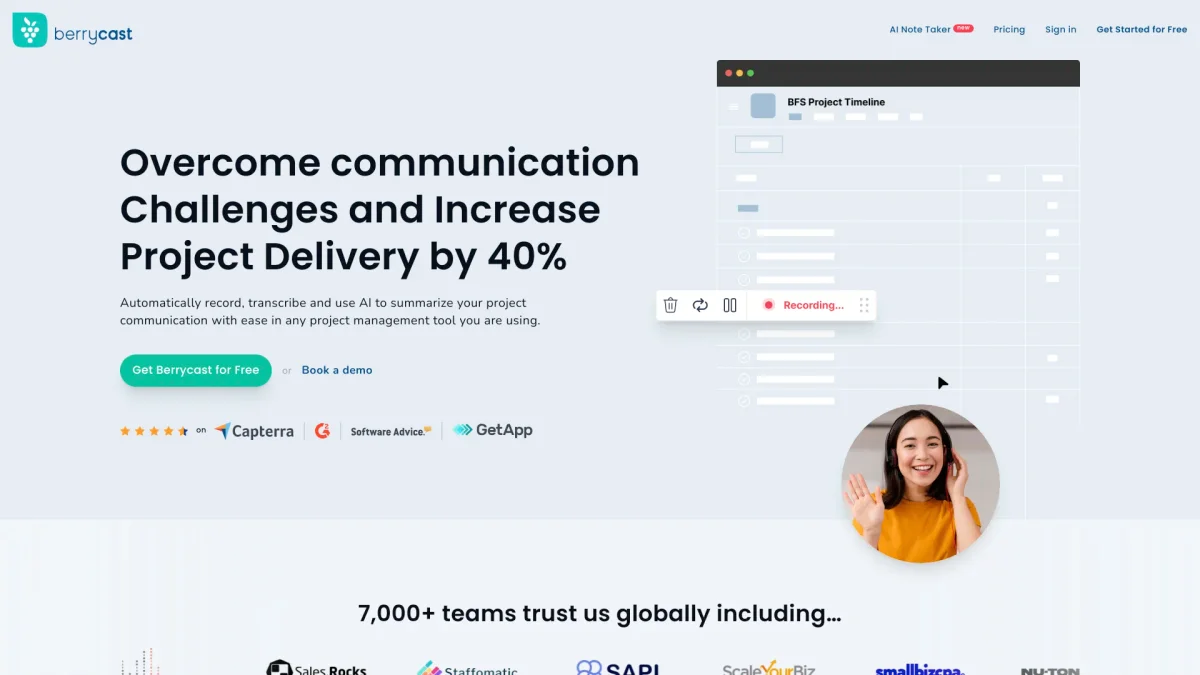
What is Berrycast?
Berrycast is a versatile video screen recorder designed for users on Windows and Mac platforms. Its primary purpose is to simplify the process of capturing screen activity and creating engaging video content. By providing an easy-to-use interface, Berrycast addresses common challenges faced by content creators, educators, and professionals who need to produce instructional videos, tutorials, or presentations without technical hassles. With Berrycast, users benefit from seamless screen recording capabilities that enhance productivity and creativity. The tool allows for easy sharing of recorded content, which is crucial for collaboration and communication in today’s digital environment. Whether for creating educational materials, software demonstrations, or marketing videos, Berrycast empowers users to convey their messages effectively and efficiently, making video content creation accessible for everyone.
Key Features
- User-friendly interface for easy recording
- Supports both Windows and Mac platforms
- High-quality video output
- Simple sharing options for collaboration
- Ideal for tutorials and presentations
Who is it for?
- Educators and trainers
- Content creators and influencers
- Business professionals
- Marketing teams
Use Cases
1. Creating Educational Tutorials
Educators can use Berrycast to record their screens while explaining concepts or demonstrating software applications. This helps in creating instructional videos that enhance learning and engagement for students.
2. Software Demonstrations
Developers and software professionals can utilize Berrycast to create demos of their products. This allows potential users to see the software in action, highlighting features and functionalities effectively.
3. Marketing Content Creation
Marketing teams can leverage Berrycast to produce promotional videos or product tutorials. The tool enables them to capture compelling visuals that can be shared across various platforms to enhance brand visibility.
Pricing Plans
Pricing information not available on website. Please visit the official website for current pricing.
Frequently Asked Questions
1. What operating systems does Berrycast support?
Berrycast is compatible with both Windows and Mac operating systems, making it accessible for a wide range of users across different devices.
2. Is Berrycast suitable for beginners?
Yes, Berrycast features a user-friendly interface that makes it easy for beginners to navigate and start recording their screens without any technical expertise.
3. Can I share my recordings easily?
Absolutely! Berrycast allows for simple sharing options, enabling users to distribute their recorded videos quickly across various platforms for collaboration or feedback.
4. What types of content can I create with Berrycast?
With Berrycast, users can create a variety of content types, including educational tutorials, software demonstrations, presentation recordings, and promotional marketing videos.
Berrycast Reviews & Ratings
Real user feedback and ratings for Berrycast. See what the community thinks about this AI tool.
No reviews yet
Be the first to share your experience with Berrycast