

Background Remover AI
Effortlessly remove backgrounds from images and videos
Background Remover AI offers fast, accurate background removal for images and videos, ensuring professional-quality results in seconds, all for free.
What is Background Remover AI?
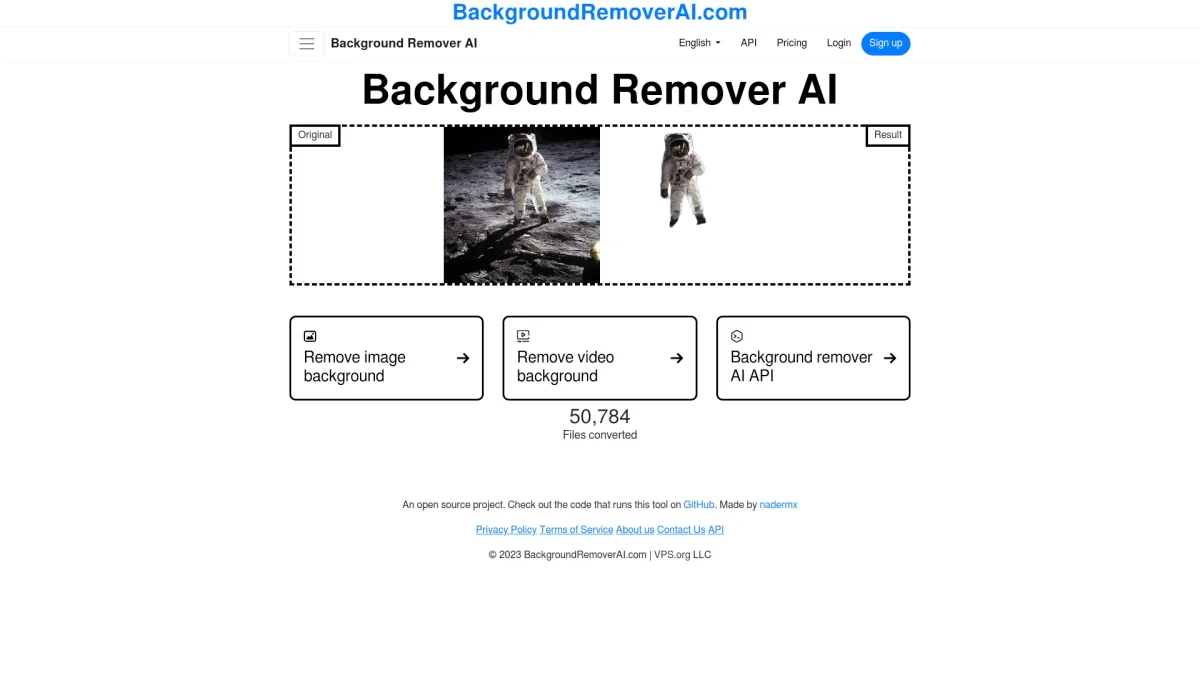
Background Remover AI is a powerful online tool designed to automatically remove backgrounds from images and videos using advanced artificial intelligence. Its primary purpose is to help users achieve clean, transparent backgrounds swiftly, addressing the common challenge of manual background removal that is often time-consuming and imprecise. By leveraging cutting-edge AI technology, it simplifies the process for both casual users and professionals alike. The tool is completely free for basic usage, allowing users to process one image per day, while offering a Pro plan for those needing unlimited access and advanced features. Users benefit from lightning-fast processing times, pixel-perfect accuracy, and data security, as their files are not stored after processing. This makes Background Remover AI an ideal solution for content creators, marketers, and anyone looking to enhance their visuals effortlessly.
Key Features
- Instant background removal for images and videos
- Supports multiple file formats including PNG and MP4
- Free access for one image per day
- Pro plan for unlimited processing
- Advanced AI for precise edge detection
- Secure processing with automatic file deletion
Who is it for?
- Content creators and bloggers
- Digital marketing agencies
- E-commerce businesses
- Graphic designers
- Social media managers
Use Cases
1. E-commerce Product Photos
Enhance your product listings by removing distracting backgrounds. Use Background Remover AI to create clean, professional images that highlight your products, improving customer engagement and sales.
2. Social Media Graphics
Create striking visuals for your social media posts by removing backgrounds from images and videos. This tool allows you to craft eye-catching content that stands out in crowded feeds.
3. Marketing Materials
Design brochures, flyers, and other marketing materials with polished images. Background Remover AI helps you achieve a professional look by ensuring your images have clean, transparent backgrounds.
4. Video Content Creation
Edit videos by removing backgrounds from clips to create engaging content. This feature is perfect for YouTubers and video marketers looking to enhance the quality of their productions.
Pricing Plans
Free: Remove backgrounds from one image per day, Pro: $X/month - Unlimited processing and video support, Enterprise: Custom pricing - Tailored solutions for business needs.
Frequently Asked Questions
1. Is Background Remover AI really free to use?
Yes, Background Remover AI allows users to remove backgrounds from one image per day completely free of charge. For those needing more features, a Pro plan is available.
2. What file formats can I use with Background Remover AI?
Background Remover AI supports various image formats including PNG, JPG, JPEG, WebP, and BMP, as well as video formats like MP4, MOV, AVI, and WebM.
3. How does Background Remover AI ensure my data is secure?
Your files are processed securely, and they are automatically deleted after processing. Background Remover AI never stores or shares your data, ensuring privacy and security.
4. Can I upgrade to a Pro plan for more features?
Yes, users can upgrade to the Pro plan for unlimited access to background removal features, bulk processing, and video support, making it suitable for professional use.
Background Remover AI Reviews & Ratings
Real user feedback and ratings for Background Remover AI. See what the community thinks about this AI tool.
No reviews yet
Be the first to share your experience with Background Remover AI








