Autodraw
Fast drawing for everyone with AI
AutoDraw combines machine learning with artistic talent to help users draw quickly and effectively, making drawing accessible for everyone.
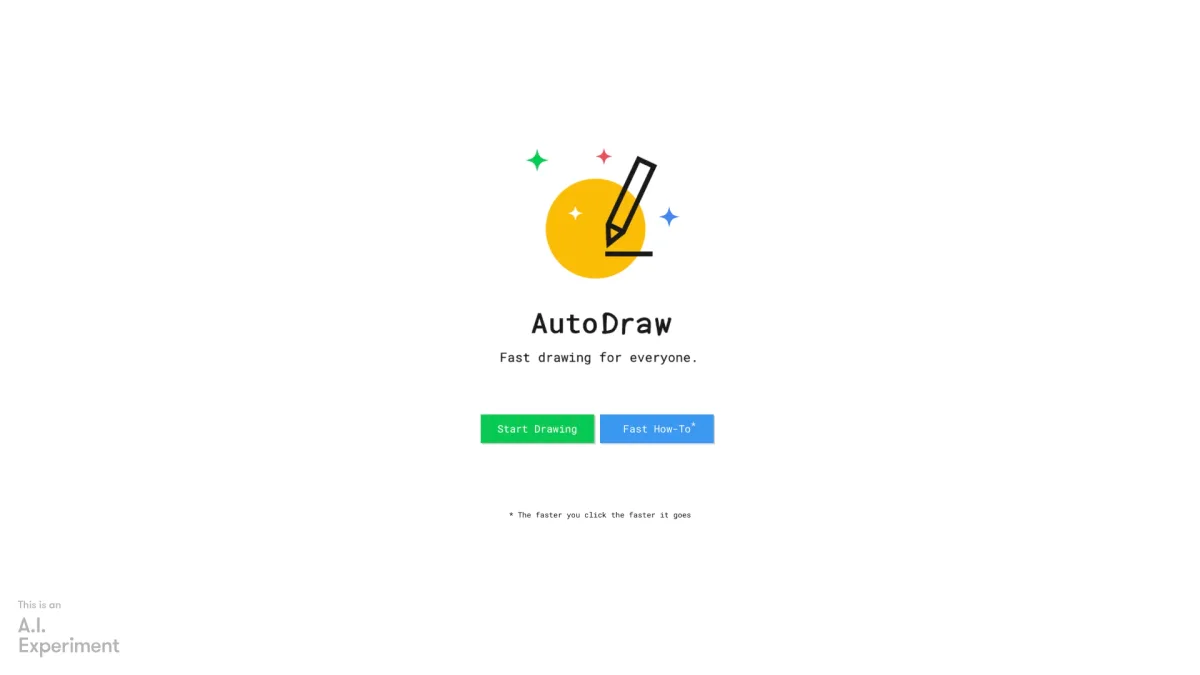
What is Autodraw?
AutoDraw is an innovative tool that utilizes machine learning to enhance the drawing experience for users of all skill levels. Its main purpose is to simplify the drawing process, allowing individuals to create illustrations rapidly and effortlessly. By pairing AI with drawings from skilled artists, AutoDraw addresses the challenge of sketching by suggesting and refining drawings based on user input, making creativity more accessible to everyone. The key benefits of AutoDraw include its ability to save time and reduce frustration for users who may feel intimidated by traditional drawing methods. It empowers users to express their ideas visually without needing advanced artistic skills. Whether for casual doodling, educational purposes, or professional projects, AutoDraw provides a user-friendly platform that inspires creativity and encourages artistic expression, making it a valuable tool for anyone looking to enhance their drawing capabilities.
Key Features
- Machine learning integration
- Suggestions from talented artists
- User-friendly interface
- Fast and efficient drawing
- Accessible for all skill levels
- Javascript required for functionality
Who is it for?
- Casual doodlers
- Students and educators
- Graphic designers
- Artists and illustrators
- Content creators
Use Cases
1. Quick Sketching for Ideas
Use AutoDraw to quickly sketch out ideas for presentations or projects. The tool's AI suggests enhancements, making it easy to visualize concepts without needing extensive drawing skills.
2. Educational Tool for Art Classes
Teachers can incorporate AutoDraw into art classes, allowing students to experiment with drawing in a fun and supportive environment. The AI suggestions help students learn and improve their skills.
3. Creating Visual Content for Blogs
Bloggers can utilize AutoDraw to create custom illustrations for their posts. The rapid drawing capabilities allow for quick content creation that enhances visual appeal and engagement.
4. Design Prototypes and Mockups
Designers can leverage AutoDraw for fast prototyping of design ideas. The AI assists in refining sketches, helping to iterate concepts quickly before moving to more detailed designs.
Pricing Plans
Pricing information not available on website. Please visit the official website for current pricing.
Frequently Asked Questions
1. What technology does AutoDraw use?
AutoDraw utilizes machine learning technology to improve the drawing experience. It analyzes user input and offers suggestions based on a database of drawings from talented artists.
2. Do I need to install anything to use AutoDraw?
No installation is required to use AutoDraw. However, it does require Javascript to function properly, and it can be accessed directly through the web browser.
3. Is AutoDraw suitable for all ages?
Yes, AutoDraw is designed to be user-friendly and accessible for people of all ages. Its intuitive interface makes it a great tool for children and adults alike, promoting creativity.
4. Can I save my drawings with AutoDraw?
While AutoDraw allows you to create drawings quickly, options for saving or exporting your sketches may vary. Users should check the platform for specific saving features.
Autodraw Reviews & Ratings
Real user feedback and ratings for Autodraw. See what the community thinks about this AI tool.
No reviews yet
Be the first to share your experience with Autodraw