
AnyPicker
Code-free web data extraction made simple
AnyPicker is a visual web scraper that allows users to extract data from websites effortlessly, without any coding skills required.
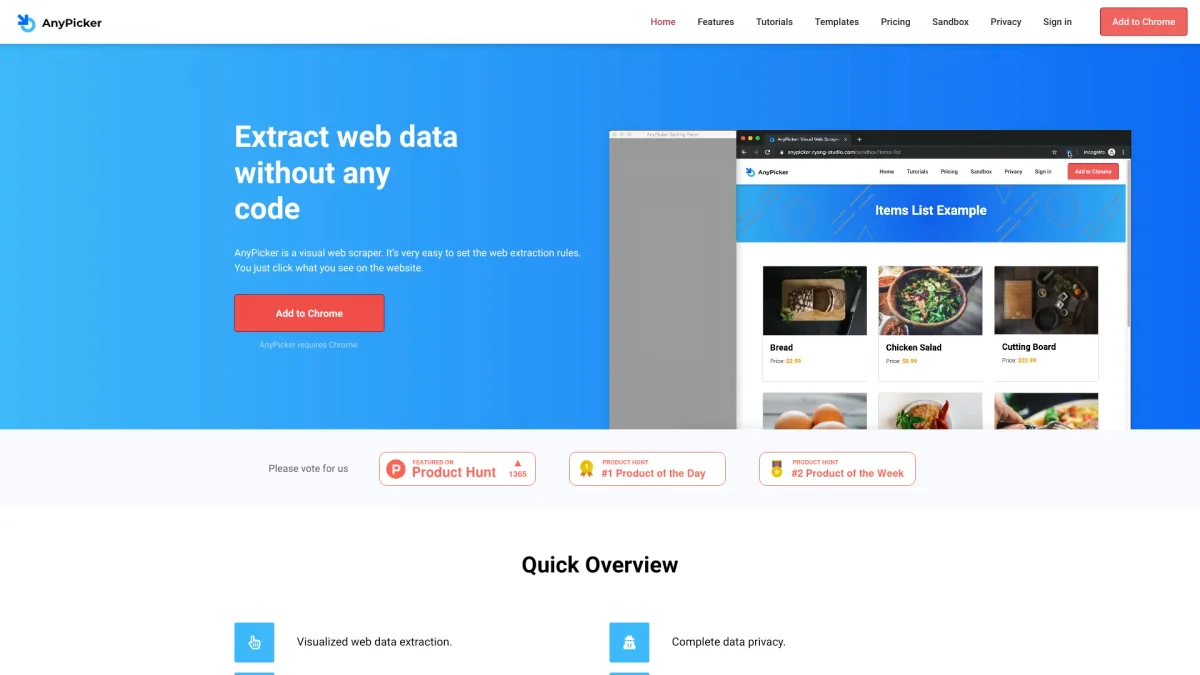
What is AnyPicker?
AnyPicker is a visual web scraping tool designed to simplify the process of extracting data from websites. Its primary purpose is to allow users to gather web data without needing to write any code, making it accessible to individuals and businesses alike. By leveraging intuitive click-based extraction rules, AnyPicker enables anyone to capture valuable information from various online sources quickly and efficiently. The key benefits of AnyPicker include complete data privacy, as all processing occurs locally on the user's computer, and the ability to bypass anti-scraping technologies. Users can scrape multiple pages simultaneously and export data directly to Google Sheets or as CSV files, enhancing productivity and data management. This tool is ideal for marketers, researchers, and anyone needing to gather data without the technical barriers associated with traditional scraping methods.
Key Features
- Visual extraction rules with a click
- Export data to Google Sheets easily
- No limits on pages or sites scraped
- Real-time preview of scraping results
- Bypass anti-scraping technologies
- Local data processing for privacy
- Scrape multiple pages at once
Who is it for?
- Digital marketers
- Researchers and analysts
- Small business owners
- Content creators
- Data enthusiasts
Use Cases
1. Market Research Data Collection
Gather competitive intelligence and market data by scraping product prices and descriptions from various e-commerce websites. This helps in analyzing market trends and pricing strategies effectively.
2. Lead Generation for Sales Teams
Extract contact information and company details from industry-specific directories or websites. This process aids sales teams in building targeted lists for outreach and engagement.
3. Content Aggregation for Blogs
Collect articles, reviews, or news from multiple sources to curate content for blogs or newsletters. AnyPicker automates this process, saving time and ensuring fresh content.
4. Data Mining for Academic Research
Utilize AnyPicker to scrape relevant data from academic journals or databases for research projects. This aids in gathering comprehensive data sets for analysis and reporting.
Pricing Plans
Pricing information not available on website. Please visit the official website for current pricing.
Frequently Asked Questions
1. What platforms does AnyPicker support?
AnyPicker is a Chrome extension, which means it requires Google Chrome to function. Users can easily add it to their Chrome browser for seamless web scraping.
2. Is my data safe while using AnyPicker?
Yes, AnyPicker prioritizes data privacy. All data is processed locally on your computer, ensuring that sensitive information remains secure and not shared with third parties.
3. Can I scrape password-protected websites?
Absolutely! AnyPicker allows you to log in to password-protected sites before scraping, ensuring that your login information is protected and not required by third-party scrapers.
4. How does AnyPicker handle anti-scraping measures?
AnyPicker is designed to bypass anti-scraping technologies effectively. Its unique approach makes it appear as if a real person is accessing the website, allowing smoother data extraction.
AnyPicker Reviews & Ratings
Real user feedback and ratings for AnyPicker. See what the community thinks about this AI tool.
No reviews yet
Be the first to share your experience with AnyPicker