
Alloy
AI prototyping that captures your real product
Alloy enables product teams to create on-brand prototypes directly from their web applications, improving collaboration and speeding up the design process.
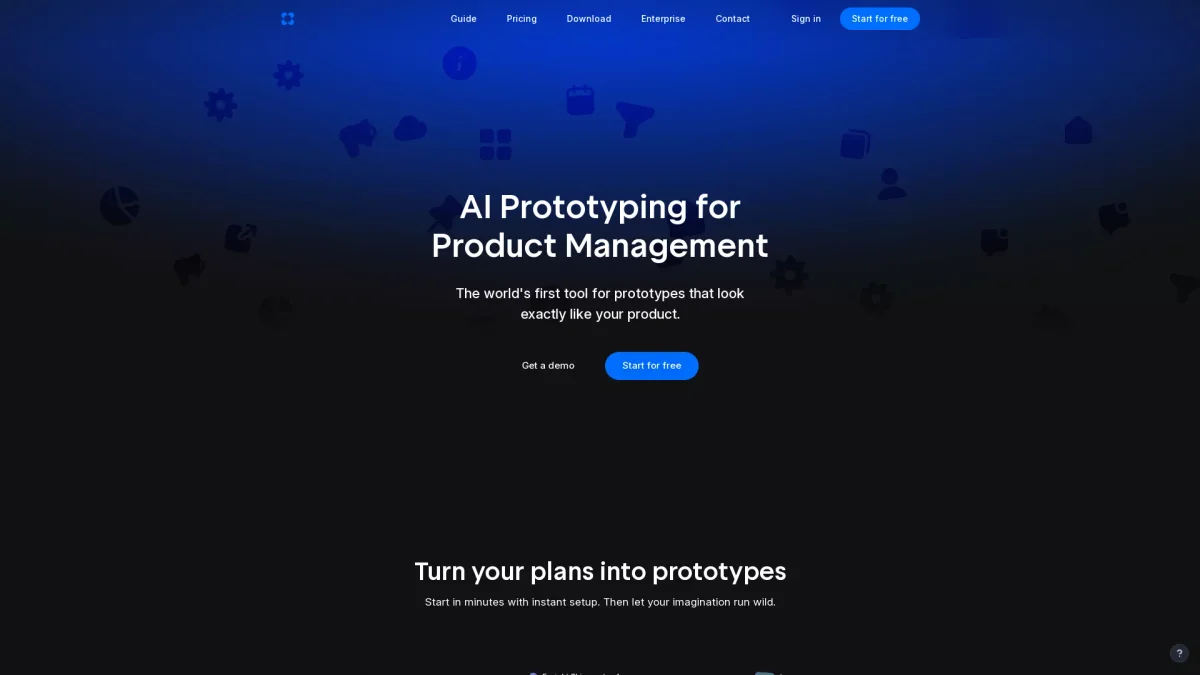
What is Alloy?
Alloy is an innovative AI prototyping tool that allows users to capture their actual web applications from the browser and instantly create prototypes that look just like their product. Its main purpose is to streamline the prototyping process for product managers and teams, eliminating the need for traditional design methods that often result in off-brand or inaccurate representations of the product. By leveraging Alloy, users can quickly incorporate ideas, insights, and customer requests into their prototypes through over 20 integrations. This capability fosters collaboration among teams and enables rapid feedback, significantly enhancing productivity and ensuring that prototypes meet brand standards and user expectations. Alloy’s ease of use and immediate results make it an essential tool for modern product development workflows.
Key Features
- Capture real product pages instantly
- Create prototypes that match your brand
- Integrate with over 20 tools
- Share prototypes with teams and clients
- Export prototypes as React apps
- No setup or design system required
- Real-time feedback and iteration
Who is it for?
- Product managers and leaders
- Development teams
- UX/UI designers
- Startups and tech companies
- Agile project teams
Use Cases
1. Rapid Prototype Development
Use Alloy to quickly capture and prototype new features from your live application. This allows product managers to visualize ideas without the usual delays associated with traditional design processes.
2. Team Collaboration on Designs
Facilitate team discussions and feedback by sharing prototypes instantly. Teams can collaborate effectively, ensuring everyone is aligned on design choices and project goals.
3. Customer Feedback Integration
Easily incorporate customer feedback into your prototypes. Alloy’s integration capabilities allow you to transform customer insights into actionable design changes quickly.
4. Brand Consistency in Prototypes
Maintain brand integrity by using Alloy’s ability to create prototypes that look exactly like your product. This ensures that all prototypes align with your established design system and brand guidelines.
Pricing Plans
Pricing information not available on website. Please visit the official website for current pricing.
Frequently Asked Questions
1. How do I capture my product with Alloy?
To capture your product, simply add the Alloy browser extension and open it on any page of your app. You’ll see a preview and can start prototyping immediately.
2. How does Alloy differ from traditional app builders?
Alloy differentiates itself by creating prototypes that look exactly like your real product, leveraging your component library and design system to ensure brand consistency.
3. Is there any setup required to use Alloy?
No setup is required! Alloy allows you to capture your product instantly and start prototyping right away without the need for importing design systems or using engineering tools.
4. Can I export my Alloy prototypes to Figma?
Currently, you cannot import from Figma, but you can export your Alloy prototype to Figma at any time using the export feature available in the top right corner.
Alloy Reviews & Ratings
Real user feedback and ratings for Alloy. See what the community thinks about this AI tool.
No reviews yet
Be the first to share your experience with Alloy