AI Video Enhancer
Enhance Your Videos to Stunning 4K Quality
Transform blurry and low-resolution videos into sharp, professional-quality content with AI Video Enhancer, perfect for all your creative needs.
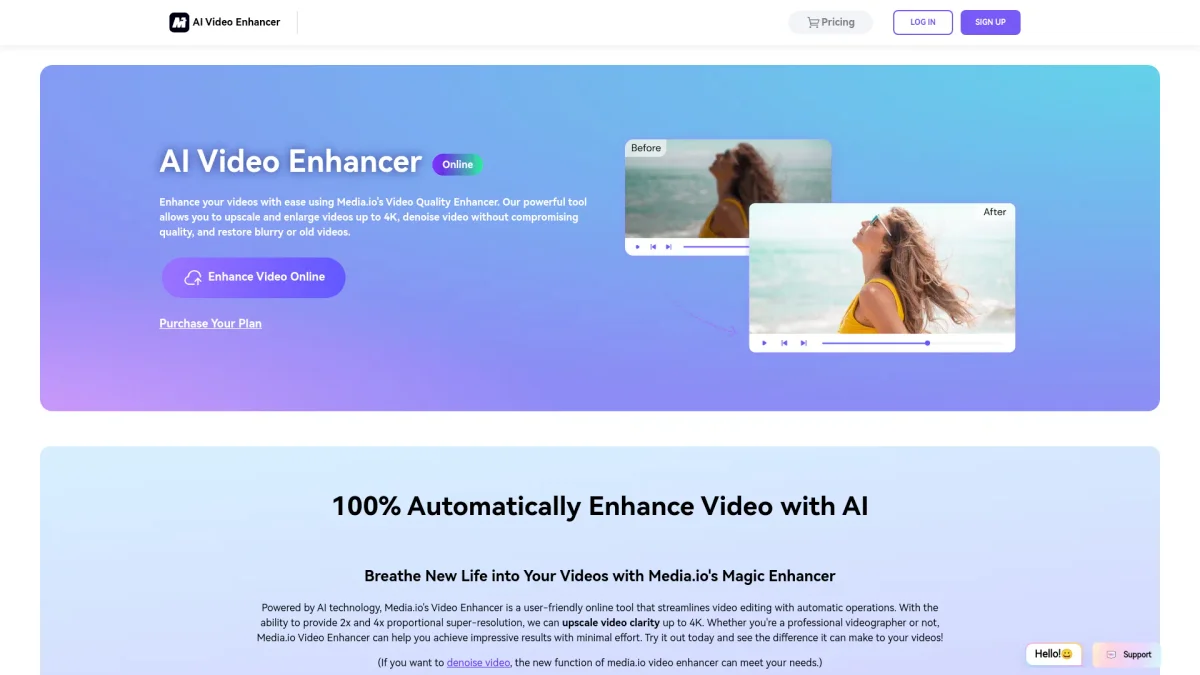
What is AI Video Enhancer?
AI Video Enhancer is an innovative online tool designed to improve video quality using advanced artificial intelligence technology. Its primary purpose is to upscale low-resolution footage and enhance clarity, allowing users to correct issues like blurriness and noise. This tool is ideal for anyone struggling with subpar video quality and aims to deliver professional, cinematic results with minimal effort. By utilizing AI, the tool not only enhances resolution but also removes background noise and visual distractions, creating polished, visually appealing videos. Users can expect improved colors, balanced lighting, and detailed textures without the need for manual editing. Whether for social media, business presentations, or personal projects, AI Video Enhancer simplifies the video enhancement process, making it accessible and efficient for all creators.
Key Features
- Upscale videos to 4K resolution
- Enhance clarity by up to 8×
- Remove noise and visual distractions
- Adjust colors and lighting automatically
- Supports multiple video formats
- No software installation required
- Safe and private video processing
Who is it for?
- Content creators and bloggers
- Digital marketing agencies
- Videographers and filmmakers
- Students and educators
- Small business owners
Use Cases
1. Revitalize Old Footage
Transform dated video clips into modern, high-quality content. Use AI Video Enhancer to upscale old home movies or archival footage, giving them a fresh, professional look suitable for sharing or archiving.
2. Social Media Video Posts
Create eye-catching videos for platforms like YouTube and TikTok. The AI tool enhances clarity and sharpness, making your content stand out and attract more viewers with polished visuals.
3. Professional Business Presentations
Elevate your business videos by improving the quality of old clips used in presentations. AI Video Enhancer ensures that your visuals are crisp and engaging, leaving a positive impression on clients and colleagues.
4. Educational Content Creation
Enhance lecture recordings and educational videos to improve viewer engagement. Clean up audio and visuals, ensuring students receive content that is both clear and professional.
Pricing Plans
Pricing information not available on website. Please visit the official website for current pricing.
Frequently Asked Questions
1. What video formats does AI Video Enhancer support?
AI Video Enhancer supports popular formats including MP4, MOV, and MKV, making it versatile for various video files you may need to enhance.
2. How does AI Video Enhancer improve video quality?
The tool uses advanced AI algorithms to upscale videos, sharpen details, reduce noise, and enhance colors automatically. This process results in a clearer, more vibrant visual output without manual editing.
3. Is there a limit on video length for enhancement?
Yes, AI Video Enhancer allows videos up to a maximum length of 5 minutes to be enhanced, making it suitable for short clips and social media content.
4. What happens to my video after processing?
All files processed by AI Video Enhancer are automatically deleted within 7 days to ensure your videos remain private and secure, maintaining user confidentiality.
AI Video Enhancer Reviews & Ratings
Real user feedback and ratings for AI Video Enhancer. See what the community thinks about this AI tool.
No reviews yet
Be the first to share your experience with AI Video Enhancer